
What you need to do:
- Visit Your Bank Branch
- Visit your nearest branch of the bank where your account is held.
- Bring Valid Identification
- Take a form of identification, such as a passport or driving licence, as the bank may need to verify your identity before providing a statement.
- Request a Printed Bank Statement
- Ask a member of branch staff to print a bank statement for you, or
- Use an in-branch ATM if your bank offers this facility.
Before Leaving the Branch
Check Your Statement Includes:
-
Your full name
-
Your current home address
-
A statement date within the last 3 months
-
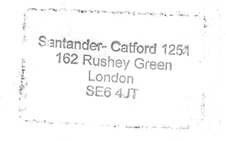
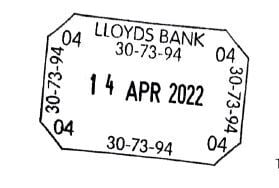
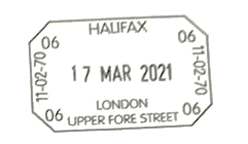
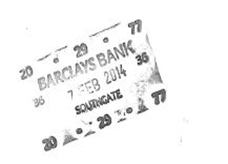
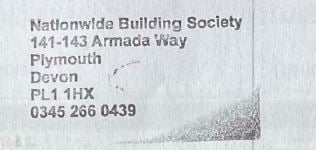
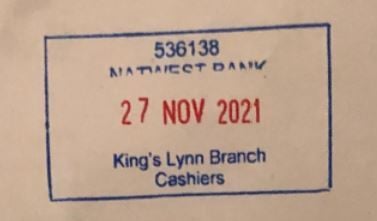
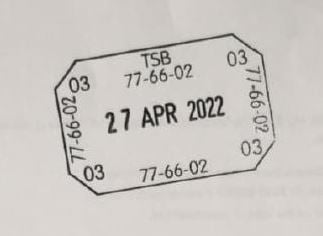
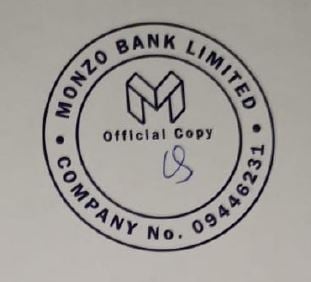
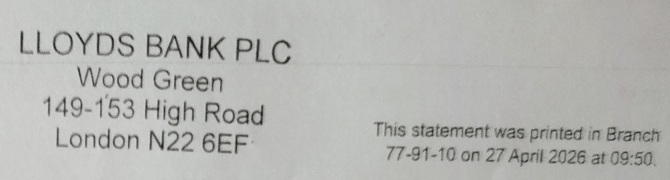
Evidence that the document was produced by the bank, such as:
-
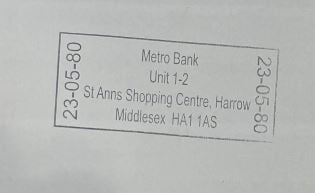
A branch stamp
-
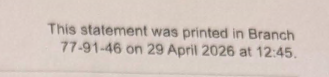
An ATM imprint or message confirming it was printed in branch, or
-
Other indication that it was issued directly by the bank.
-
 |
 |
 |
 |
 |
 |
 |
 |
 |
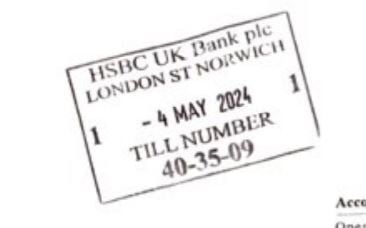 |
Stamps issued by a Personal Banker
 |
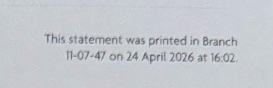 |
ATM confirmations showing the statement was printed in branch
 |
Statements that include both an ATM print and a Personal Banker stamp
Find your nearest branch:
If your bank is not listed, please visit the bank’s official website.
If you use an online only bank (for example, Monzo), you may need to request a posted bank statement instead.