
As part of your registration with Step Teachers, we may ask you to provide a Self Assessment Tax Return to cover a period where you are unable to provide a reference.
An HMRC Self Assessment tax return is used by individuals and businesses in the UK to declare income and calculate tax liability, particularly where income is not automatically taxed through PAYE.
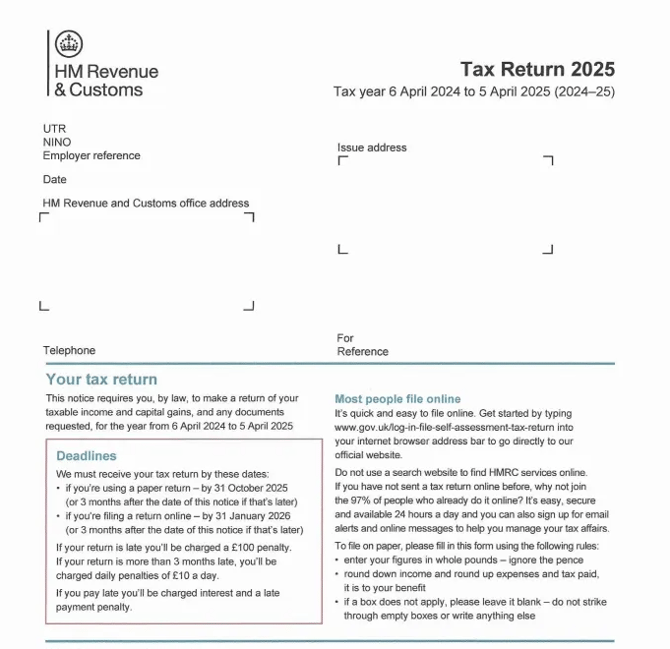
How to Access Your Self Assessment Tax Return
If you do not have a hard copy, you can download a digital copy from HM Revenue and Customs (HMRC) by following these simple steps:
- Go to www.gov.uk/log-in-register-hmrc-online-services and sign into your account with your Government Gateway ID or GOV.UK One Login. If you have never used HMRC online services, you will have the option to create an account.
- Navigate to the Self Assessment section.
- Select View Return to view your past submissions.
- Click the Colour Copy option then View PDF to download a copy.
Alternative Methods:
- If you submitted your return though a tax agent or accountant, they should be able to provide a copy.
- Contact the HMRC’s dedicated self-assessment helpline by calling 0300 200 3310 to request a copy.